


For behavioral health & human-service teams
Supporting the people
who support others.
Solace365 gives your team a place to feel seen, with recognition, wellbeing, and rewards that make people want to show up.

One day in Solace365
Four small moments that add up.
Real screens from the app, shown with a made-up care team.
7:40 AM, Before the shift
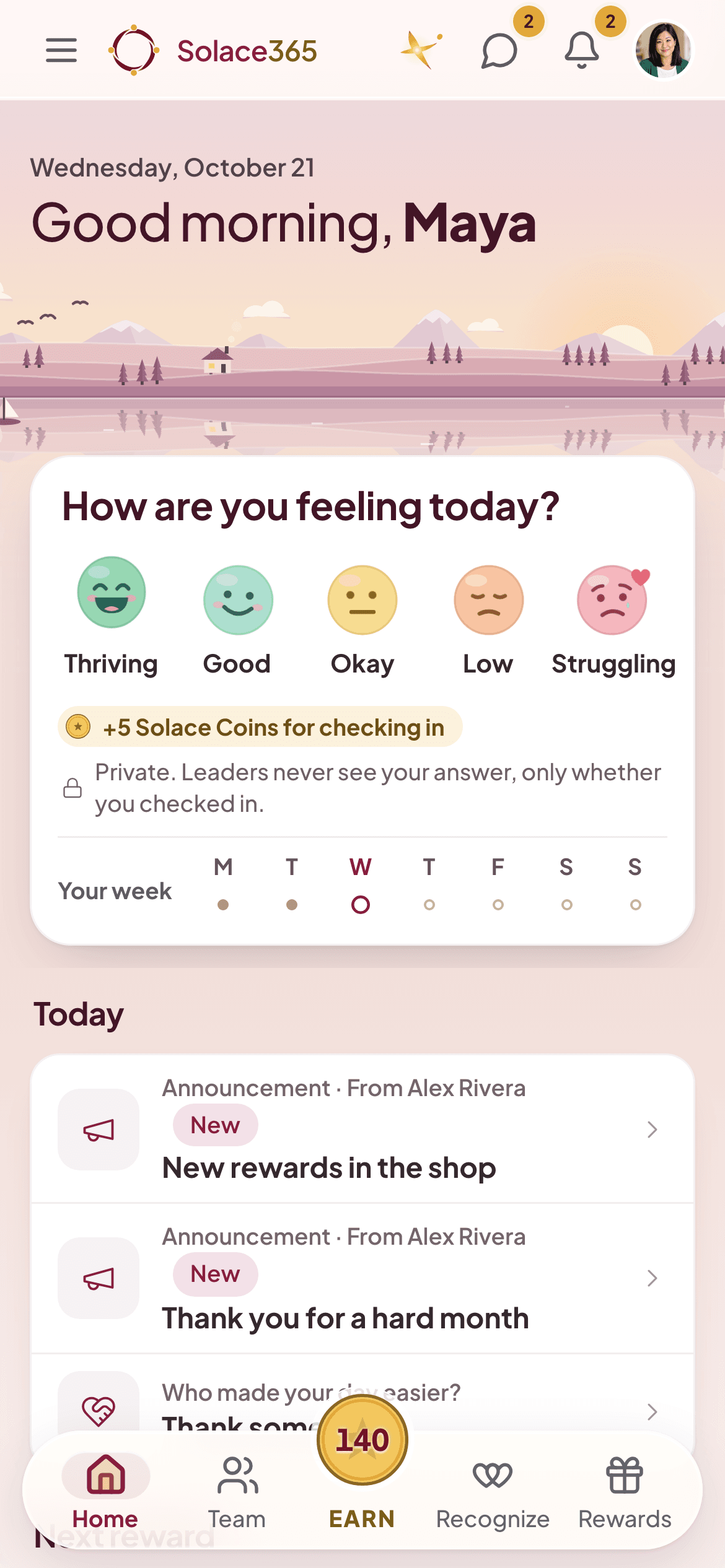
Ten seconds to check in.
Tap one of five faces. Your answer stays private: leaders only ever see group totals, and only for groups of five or more.
12:15 PM, On a break
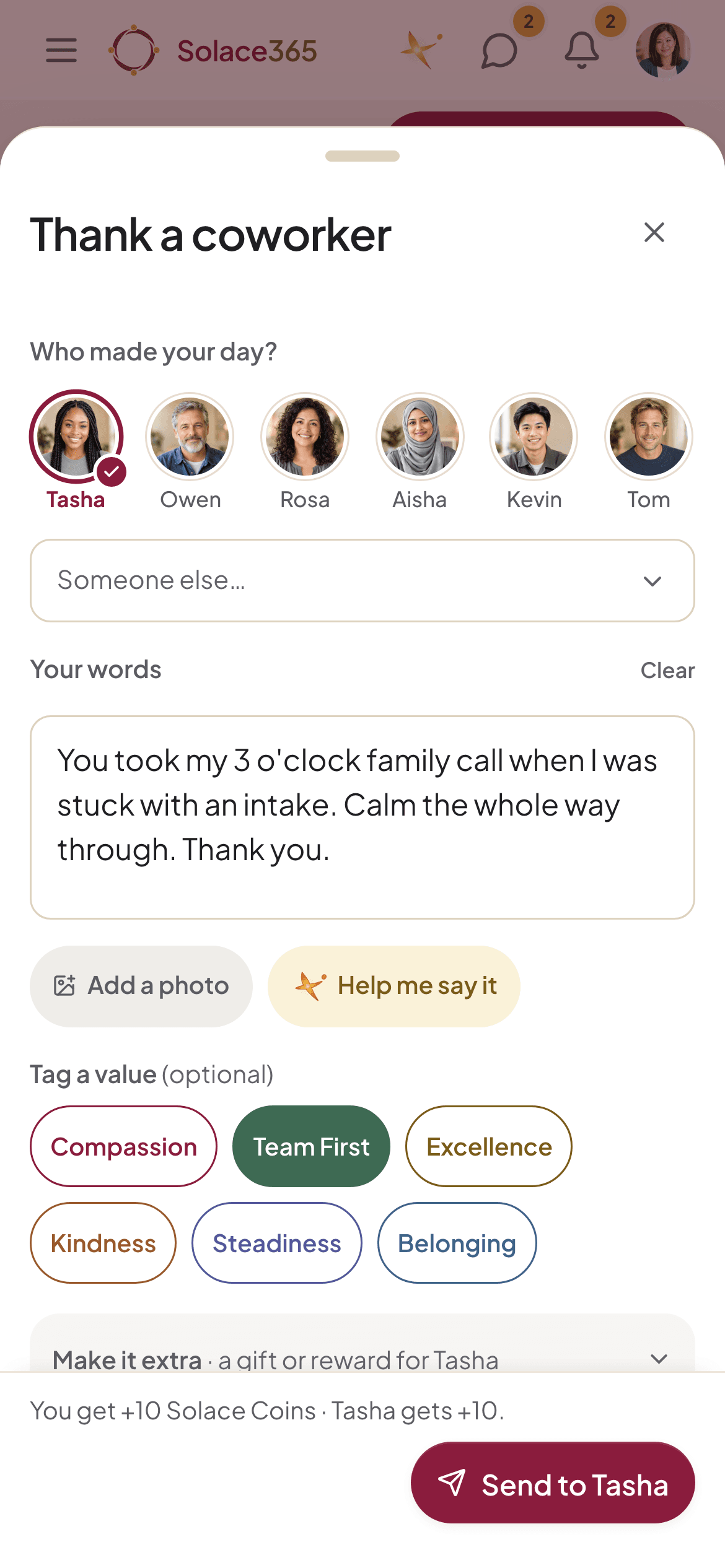
Thank someone by name.
Pick a coworker, say what they did and tag a value like Team First. It lands on the Recognition wall, and you both earn coins.
3:30 PM, Between visits
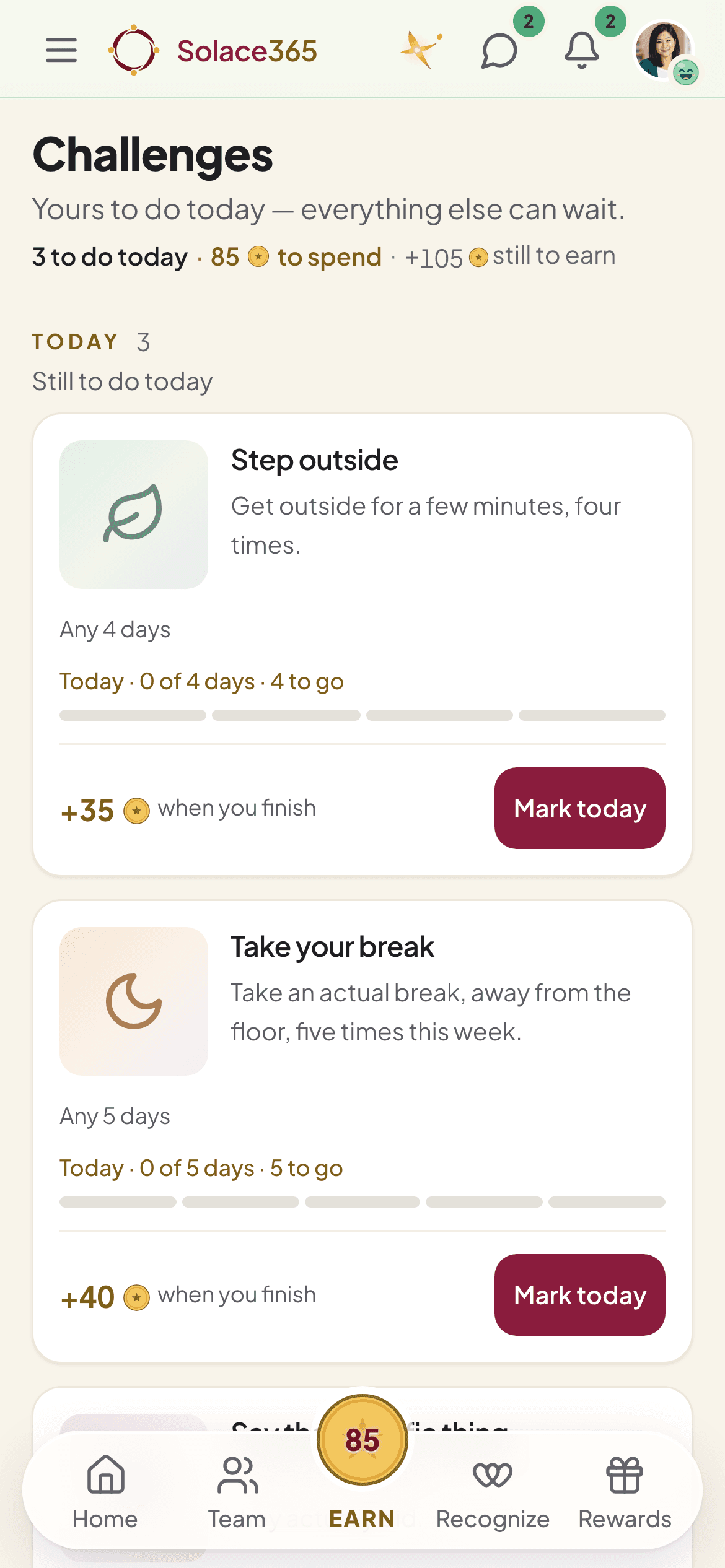
Small wins that fit a shift.
Short challenges like stepping outside or taking a real break. Mark today when it’s done, and finish to earn the coins.
6:05 PM, After the shift
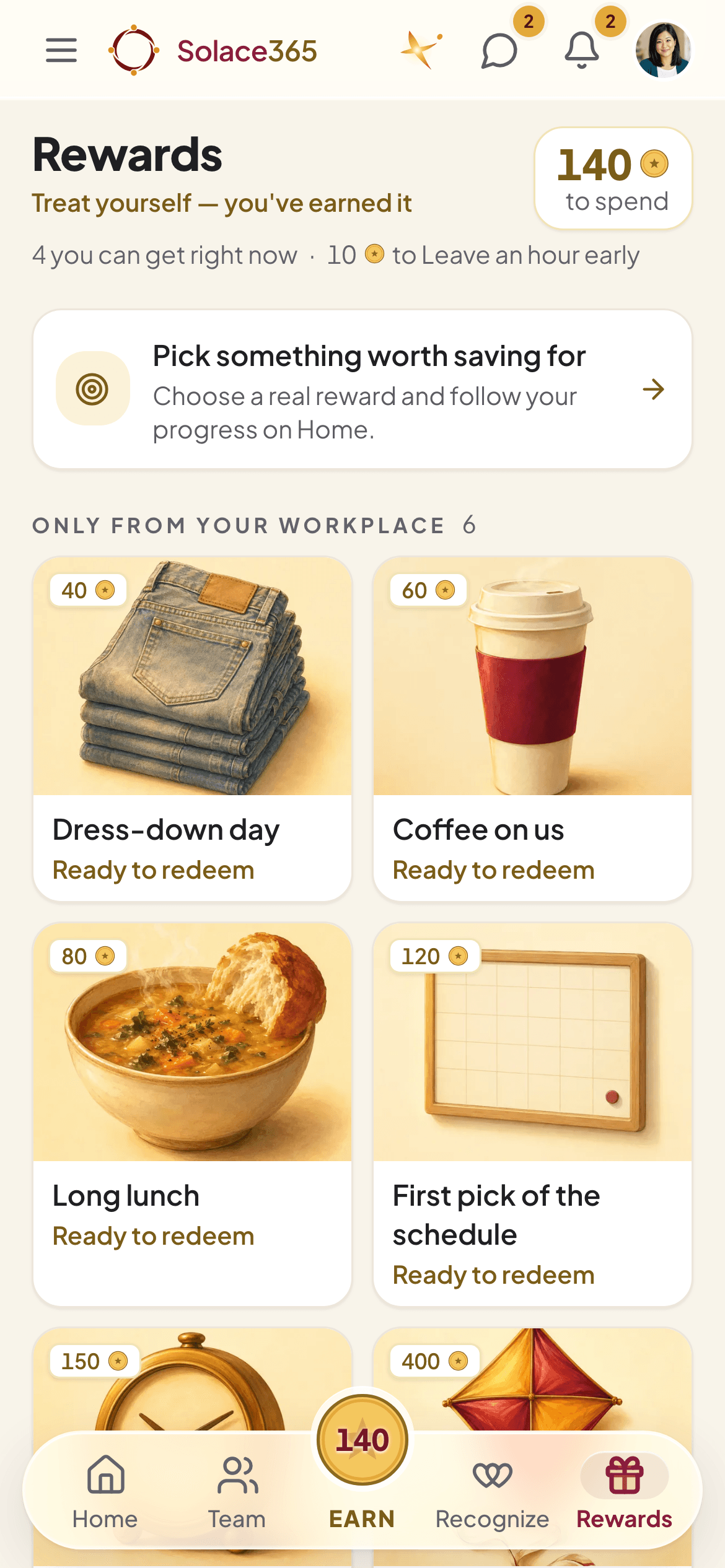
Coins become real things.
Spend them in a shop your organization stocks: a dress-down day, coffee, a long lunch, first pick of the schedule.
One day in Solace365
Four small moments that add up.
Real screens from the app, shown with a made-up care team.
7:40 AMBefore the shift
Ten seconds to check in.
Tap one of five faces. Your answer stays private: leaders only ever see group totals, and only for groups of five or more.
12:15 PMOn a break
Thank someone by name.
Pick a coworker, say what they did and tag a value like Team First. It lands on the Recognition wall, and you both earn coins.
3:30 PMBetween visits
Small wins that fit a shift.
Short challenges like stepping outside or taking a real break. Mark today when it’s done, and finish to earn the coins.
6:05 PMAfter the shift
Coins become real things.
Spend them in a shop your organization stocks: a dress-down day, coffee, a long lunch, first pick of the schedule.
Meet Lumen
A companion for the hard shifts.
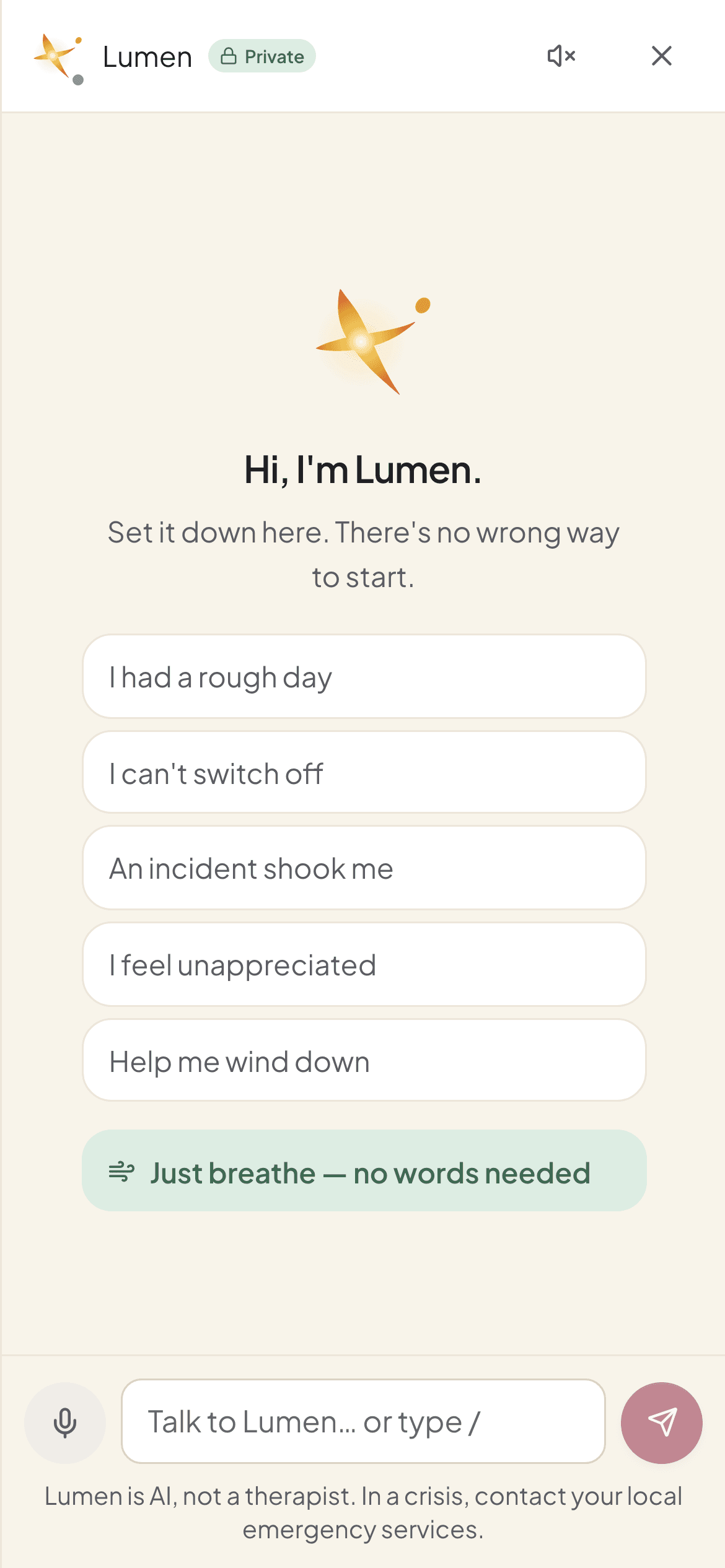
Lumen is the AI companion inside Solace365. It listens, helps you settle, and knows when to point you to a real person.
There at any hour.
Talk through a rough shift, wind down, or get help finding the words for a thank-you.
A minute to breathe.
Short breathing resets for the moments when there are no words for it.
Not a therapist.
Lumen is AI. It doesn’t diagnose and isn’t for emergencies. If something sounds serious, it points you to real people: your organization’s support contacts and local emergency services.
Your chats are yours.
Your employer can’t read them. They’re kept 30 days, and you can delete them any time.
Solace365 is a wellbeing tool, not medical care, and it is not for emergencies. If you or someone else is in danger, contact your local emergency services.
Private by design
Built so people can be honest.
People only say how they’re really doing when the answer stays theirs. So the line between what’s private and what leaders see is drawn in the product, not in a policy.
Stays yours
Your answers are not a report.
- Your check-in answer. Admins see how many people checked in, never what anyone chose.
- Your notes, reflections and Lumen chats. Lumen chats are kept 30 days, and you can delete them any time.
- One exception, and it’s your call: if you ask for someone to reach out, a trained contact at your organization can see that one check-in.
What your organization sees
Trends, never a person.
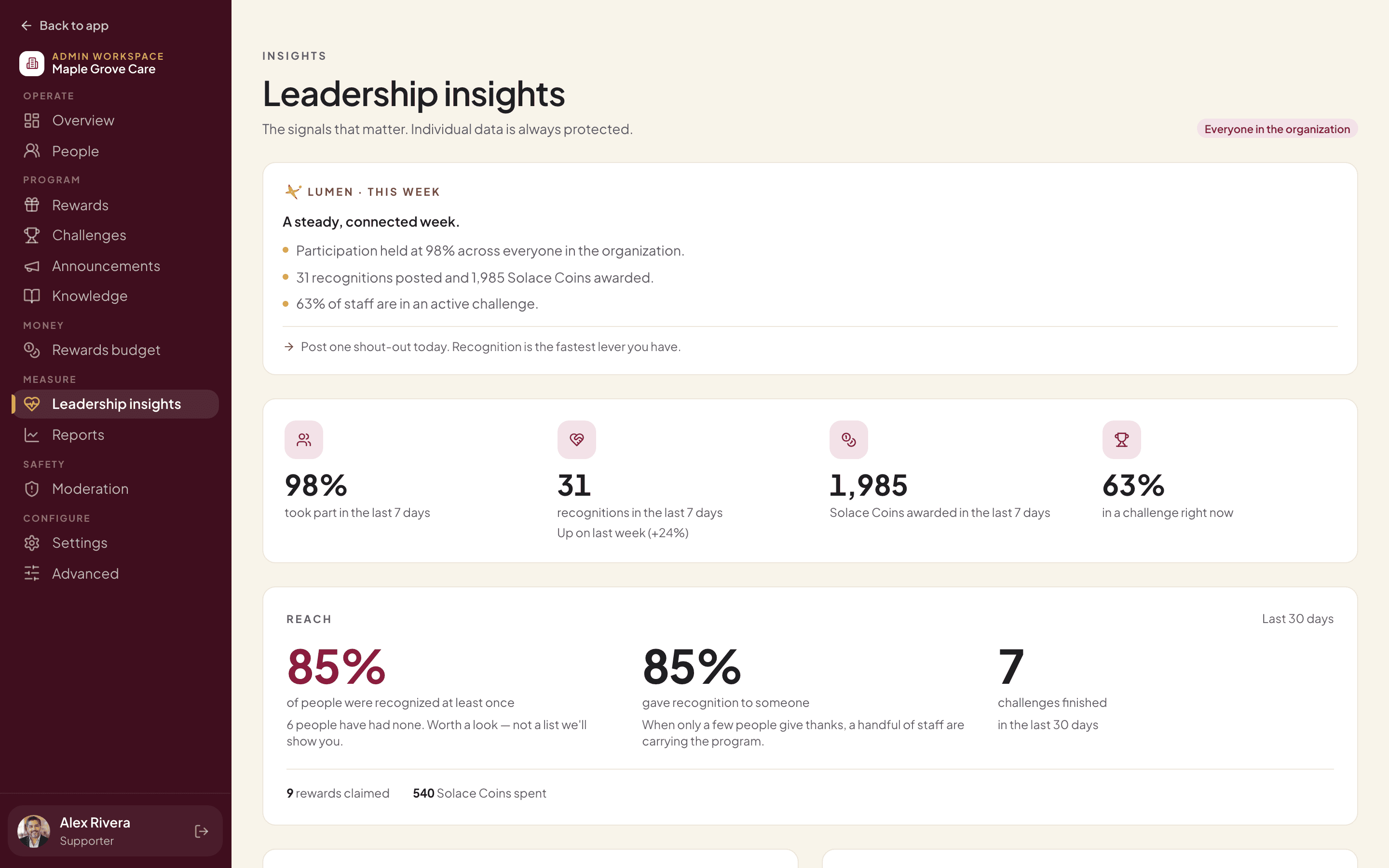
- Wellbeing as group totals, and only for groups of 5 or more people.
- How many people took part, the thank-yous on the wall, and coins earned and spent.
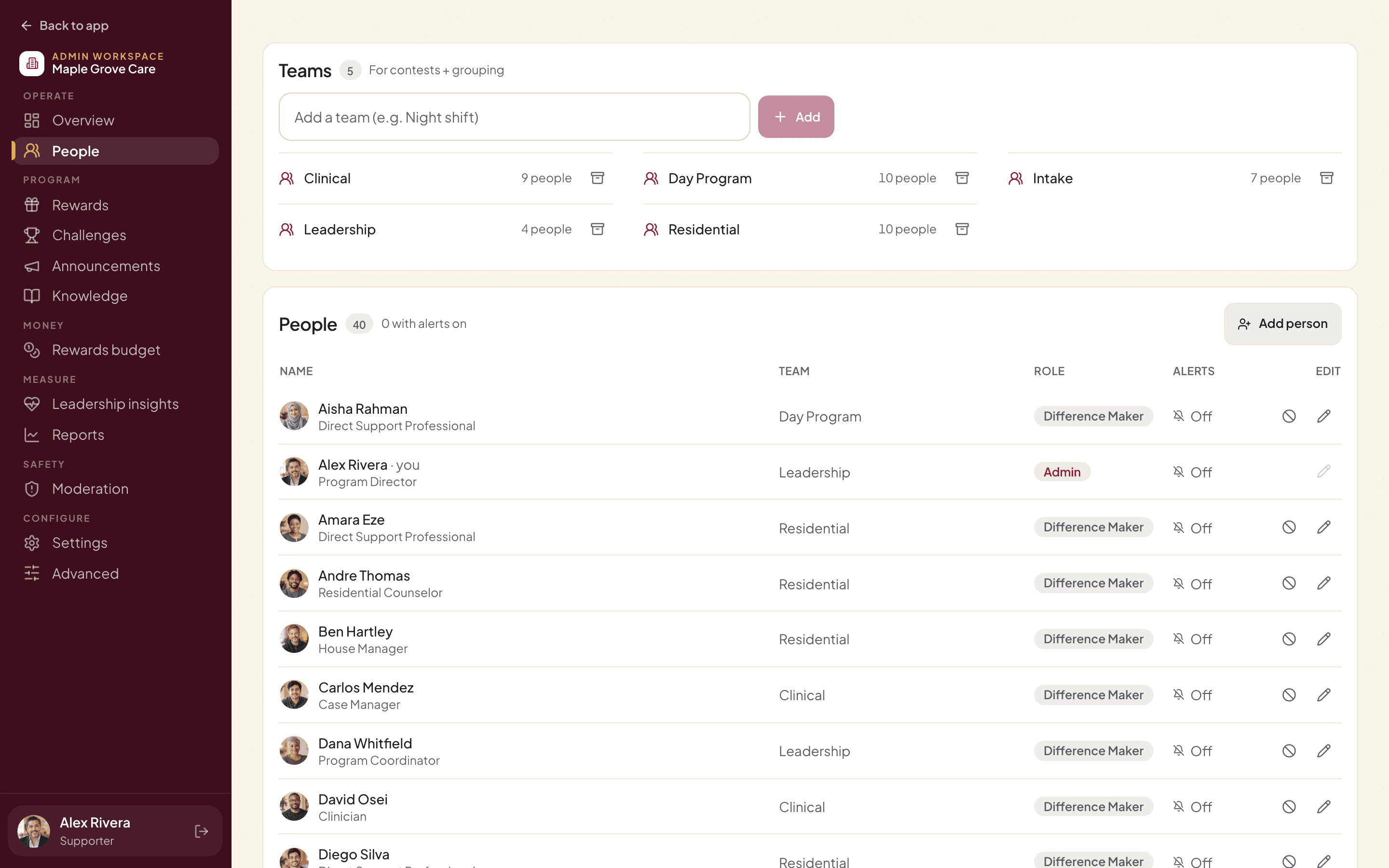
- An audit trail of every admin action.
- No ads
- No data selling
- No trackers
- Hosted on AWS in the US
Pricing
Priced per employee, per month.
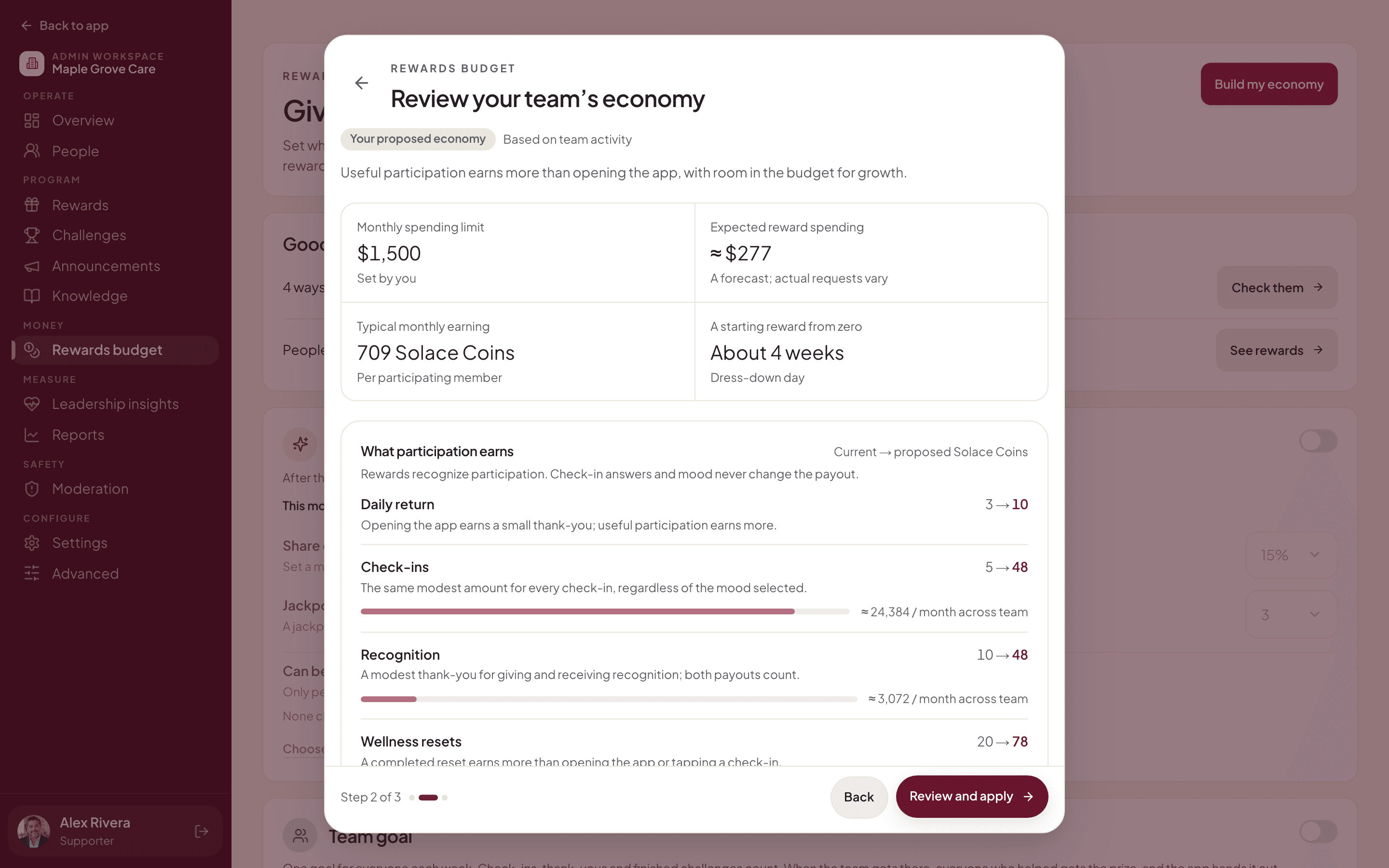
Rewards come out of a budget you set, and we send one invoice a month. Tell us how many staff you have and we’ll send you a price.
- One monthly invoice
- Rewards inside your budget
- Set up with you

No. Solace365 is for wellbeing, thanks and rewards. Check-in answers are never shown to managers, and they never change how many coins someone earns.
Your answer is yours. Admins see how many people checked in, never what anyone chose, and wellbeing only as group totals for groups of 5 or more. The one exception: if you ask for someone to reach out, a trained contact at your organization can see that one check-in.
We set up your organization with you. You add your staff list and teams, and each person gets an email invitation to sign in at app.solace365.com. There is no public sign-up, so only people you add can join.
Lumen is an AI companion, not a therapist, and it is not for emergencies. Solace365 has no crisis line of its own. If something sounds like a crisis, Lumen points the person to real people: the support contacts your organization adds in the app, and local emergency services.
Your organization stocks the shop and sets a monthly budget. Perks that cost no money, like a dress-down day, can be approved automatically. Gift cards always need an admin to approve them, and the gift card then opens in the app.
Any modern phone, tablet or computer with a web browser. Staff sign in at app.solace365.com and can add it to their home screen like an app. It isn’t in the app stores.