Product
Everything a care team uses in a day.
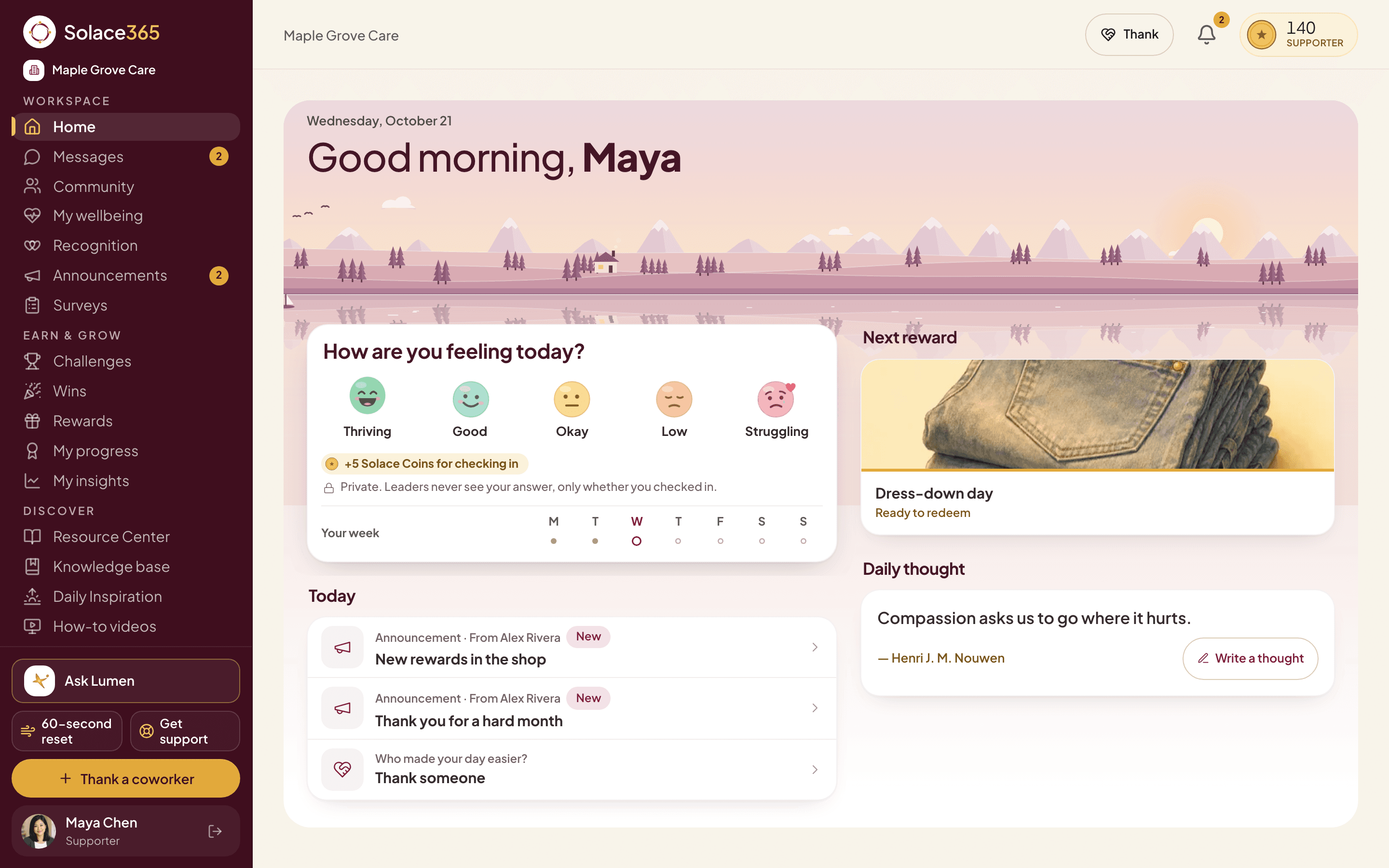
Solace365 is one app for check-ins, thanks, small goals and real rewards. These are real screens, with a made-up care team called Maple Grove Care.
Check-ins
One tap to say how you are.
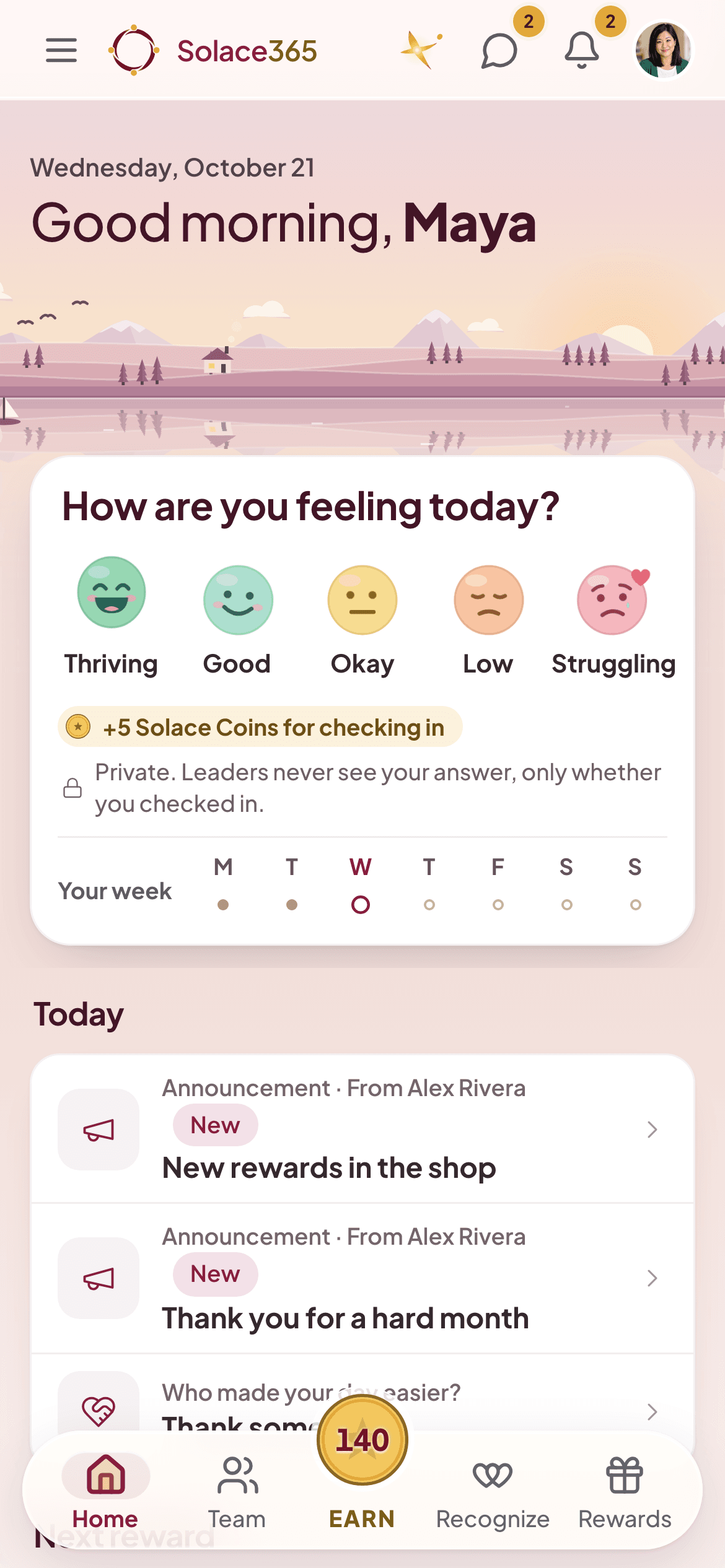
Every day the Home screen asks “How are you feeling today?” with five faces, from Thriving to Struggling. It takes seconds and earns a few Solace Coins, whatever you pick.
- Your answer is private. Leaders never see it, only how often you check in.
- Administrators see wellbeing only as group totals for 5 or more people.
- Your week of check-ins sits right under the faces.
Solace365 is a wellbeing tool, not medical care. It is not a medical device and is not for emergencies. If you or someone else is in danger, contact your local emergency services.
Recognition
Thanks, in front of the team.
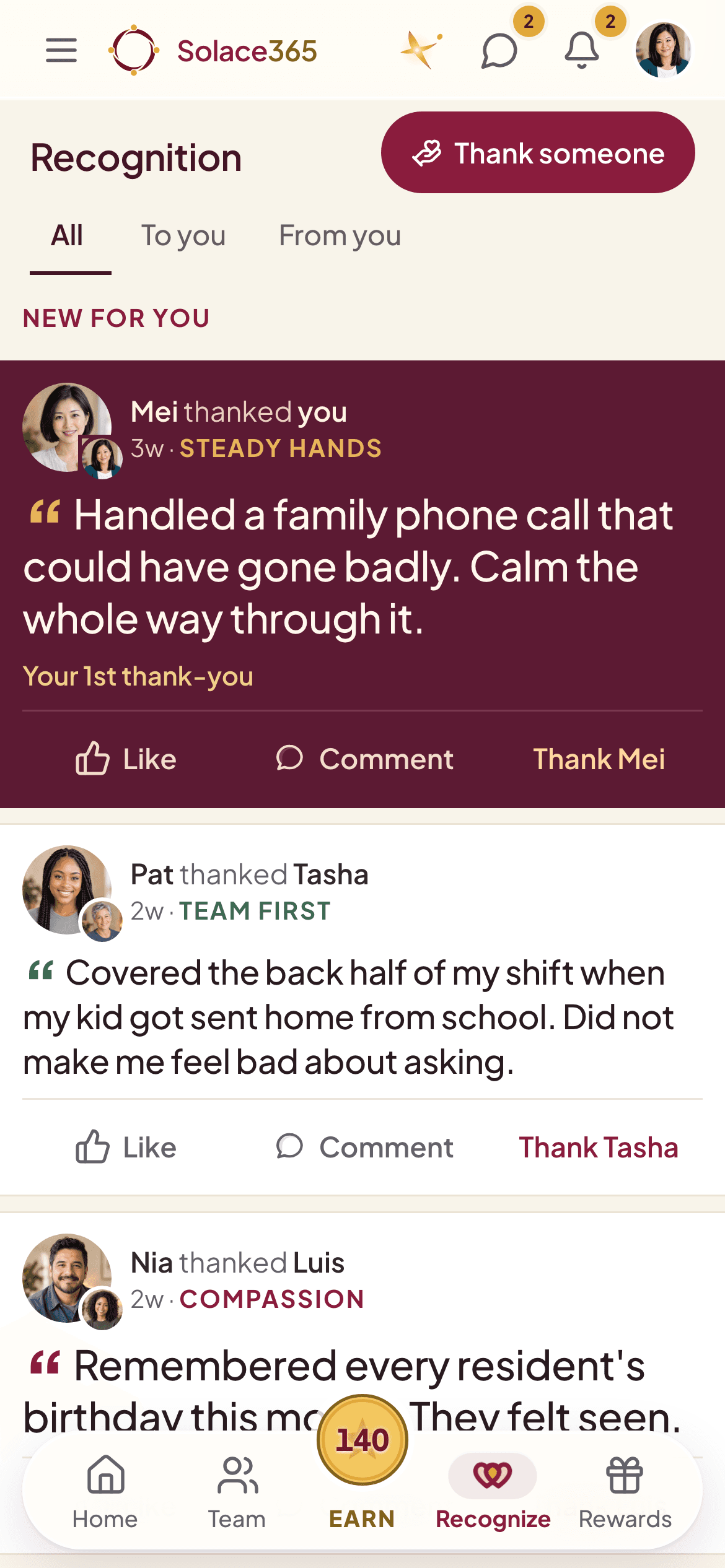
The Recognition wall shows who thanked whom and why, in their own words. Anyone can like it, comment, or thank the person back.
- New thanks to you show up first.
- A thank-you can be tagged with one of your organization’s values.
Recognition
Say exactly what they did.
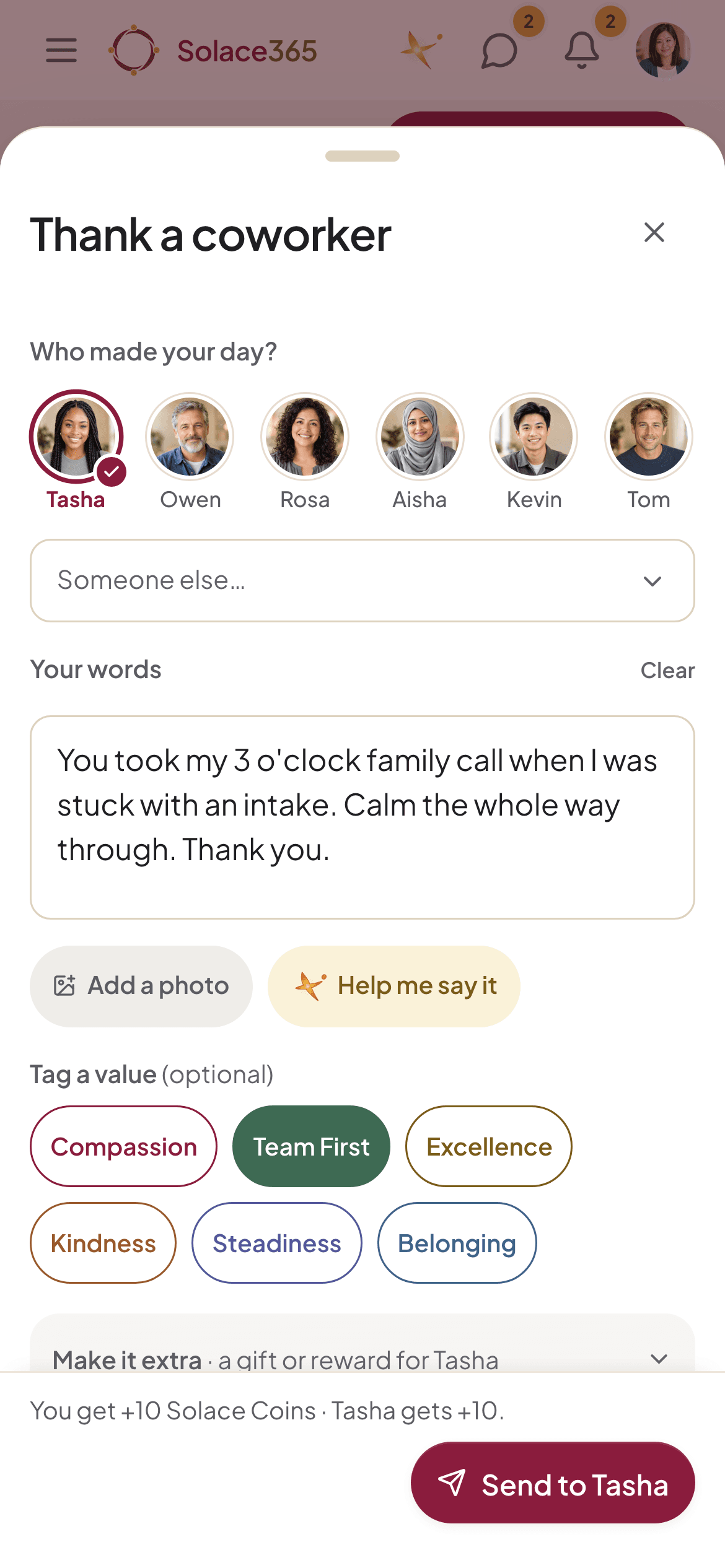
“Thank a coworker” starts with faces, not a search box. Write a few words, add a photo if you like, tag a value such as Compassion or Team First, and send. You both earn coins, and the screen shows how many before you send.
Stuck for words? “Help me say it” suggests a draft you can change.
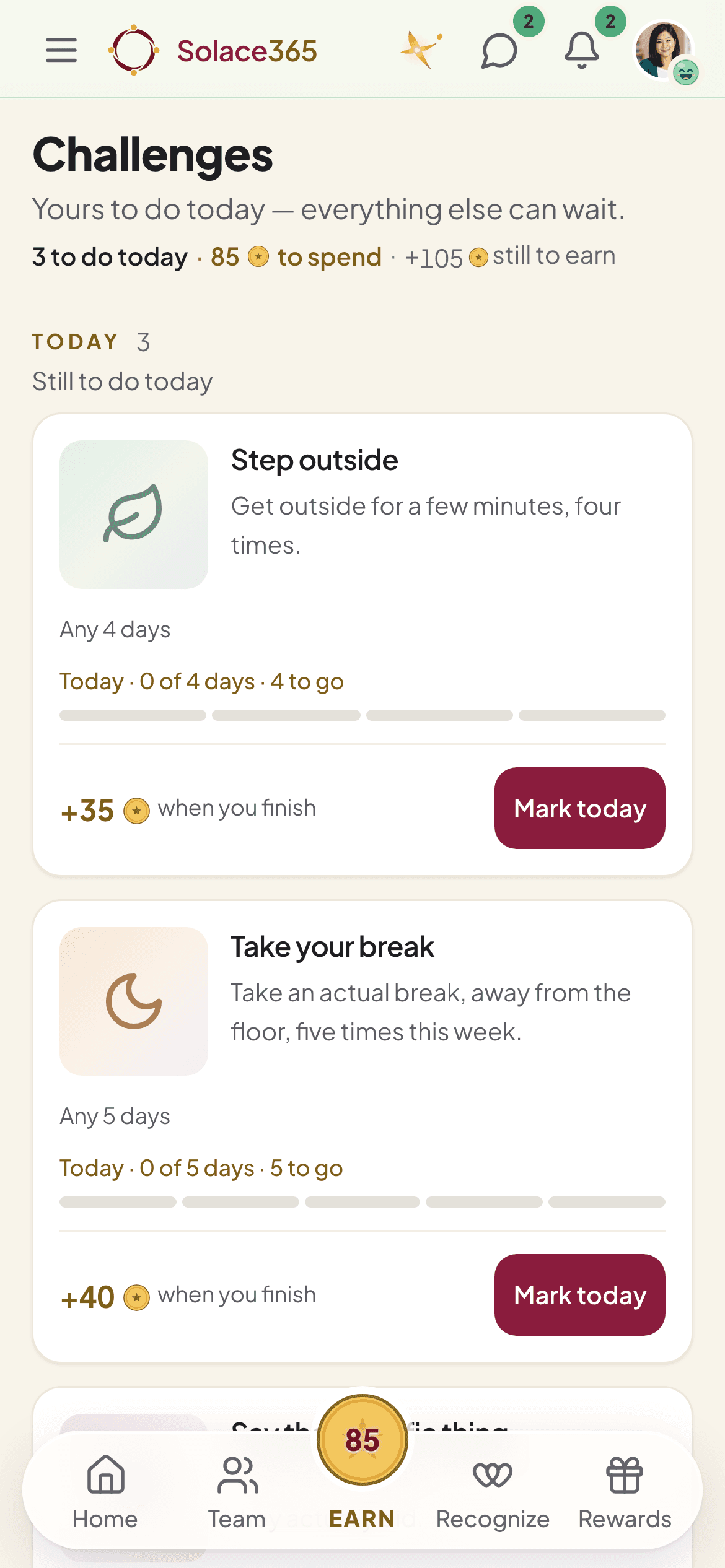
Challenges
Small goals that fit around a shift.
Challenges are short and realistic: step outside a few times, take an actual break, say the specific thing. Mark a day done and watch the track fill.
- Each challenge shows the coins it pays when you finish.
- Your organization chooses which challenges run.
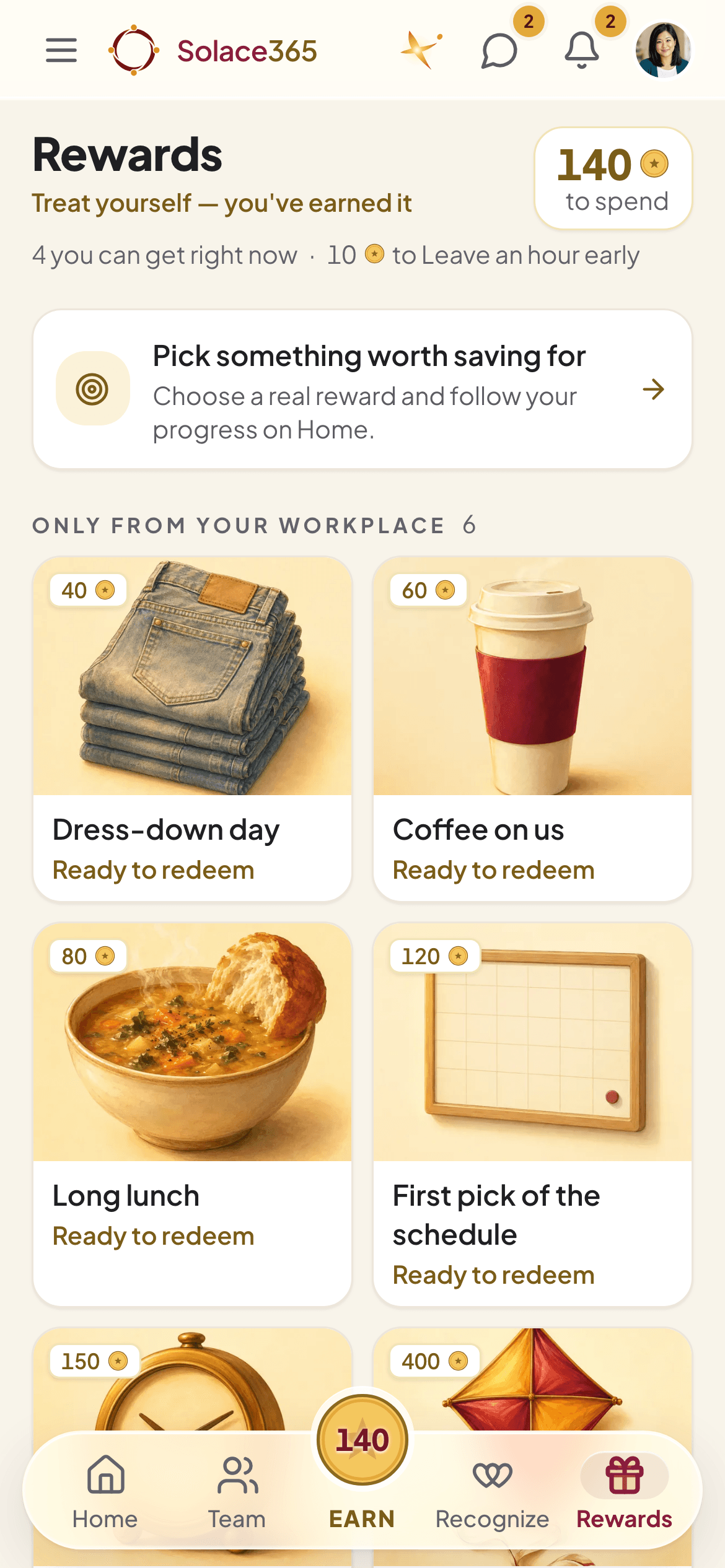
Rewards
Coins become real things.
The Rewards shop is stocked by your organization: a dress-down day, coffee, a long lunch, first pick of the schedule, gift cards and more. Prices are shown in coins, with your balance at the top.
- Pick something worth saving for and follow your progress on Home.
- Gift cards open right in the app, paid from your organization’s rewards budget.
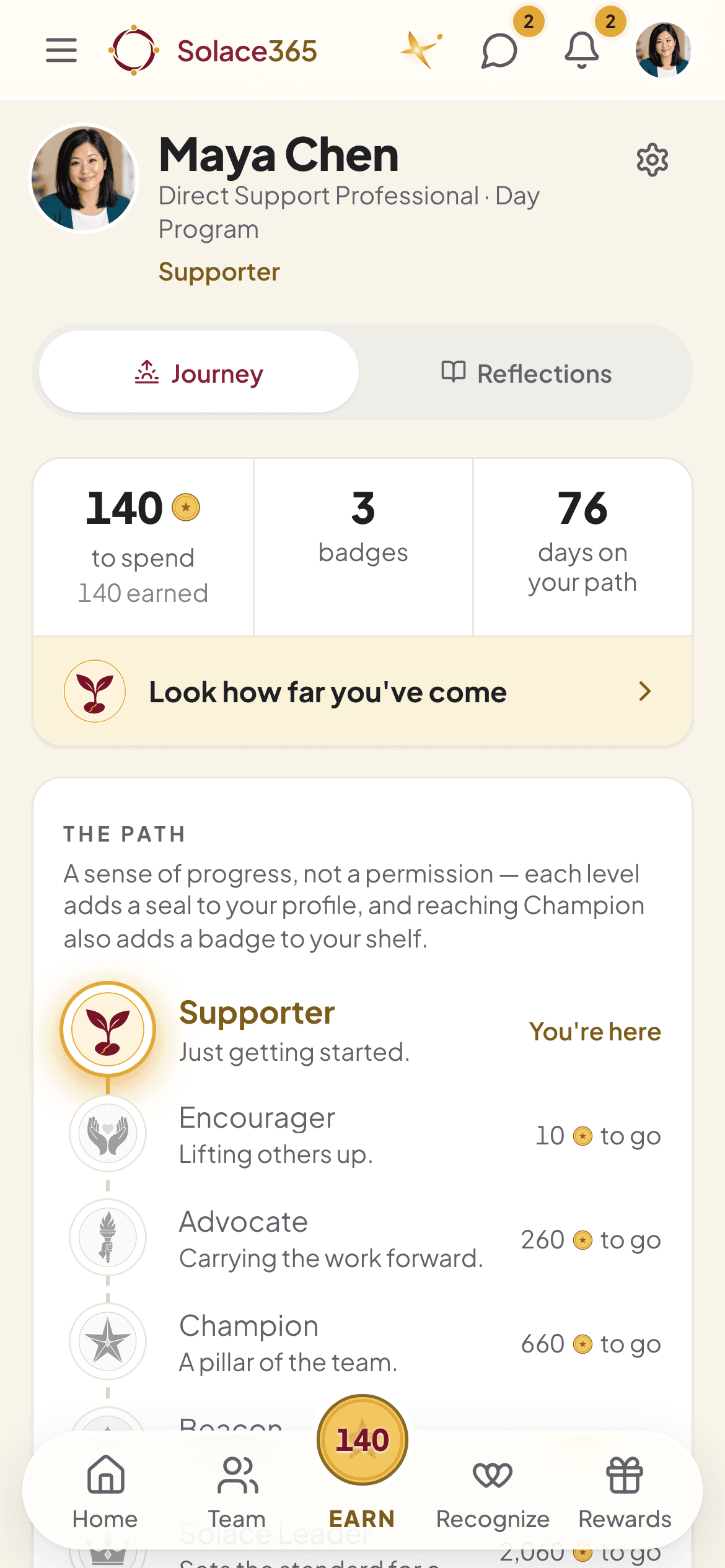
My progress
A path, not a scoreboard.
My progress shows the coins you’ve earned, the badges you’ve collected and how long you’ve been on your path, with levels from Supporter to Champion and beyond.
Levels are a sense of progress, not a permission. Nobody is ranked by mood.
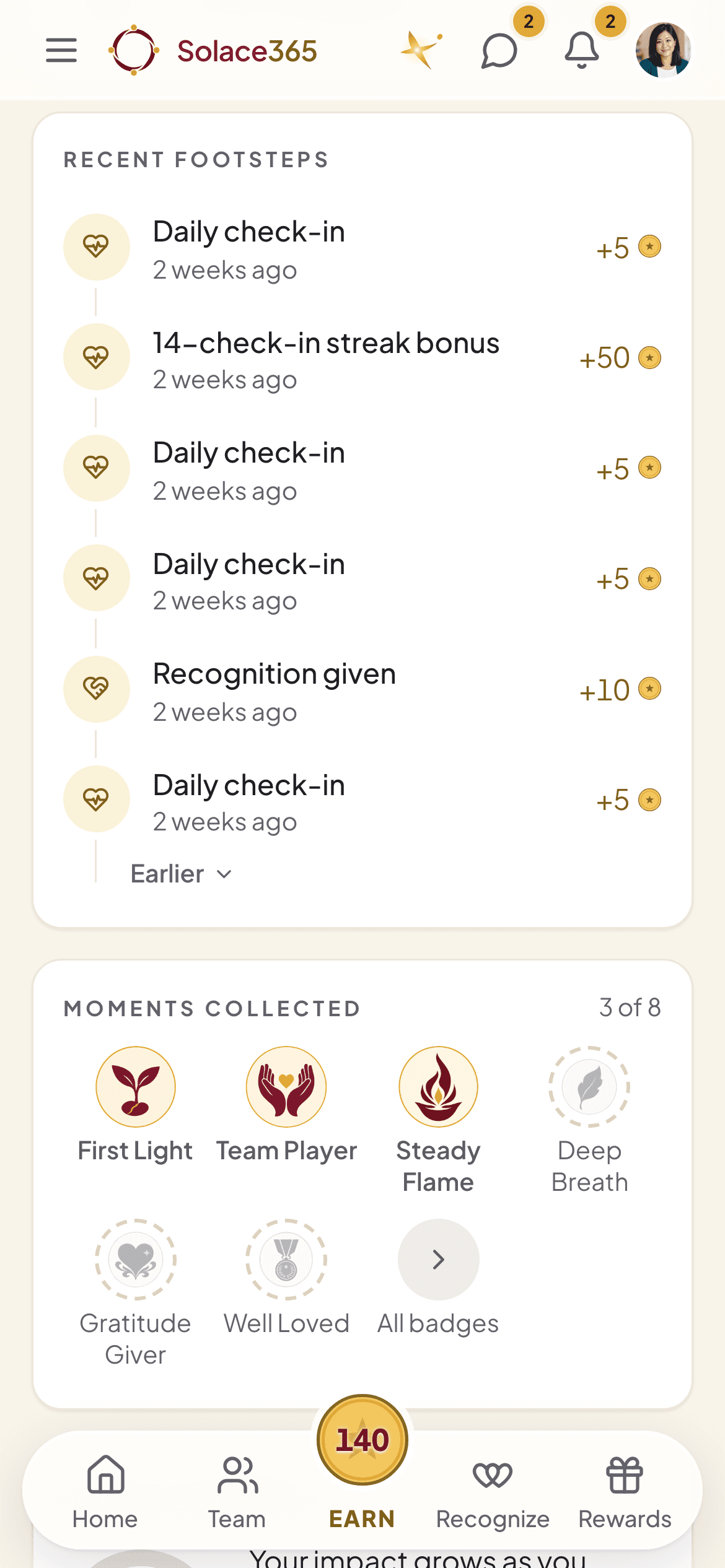
My progress
Every footstep counts.
Recent footsteps list what earned coins and when, including streak bonuses for steady check-ins. Badges like First Light, Team Player and Steady Flame mark the moments.
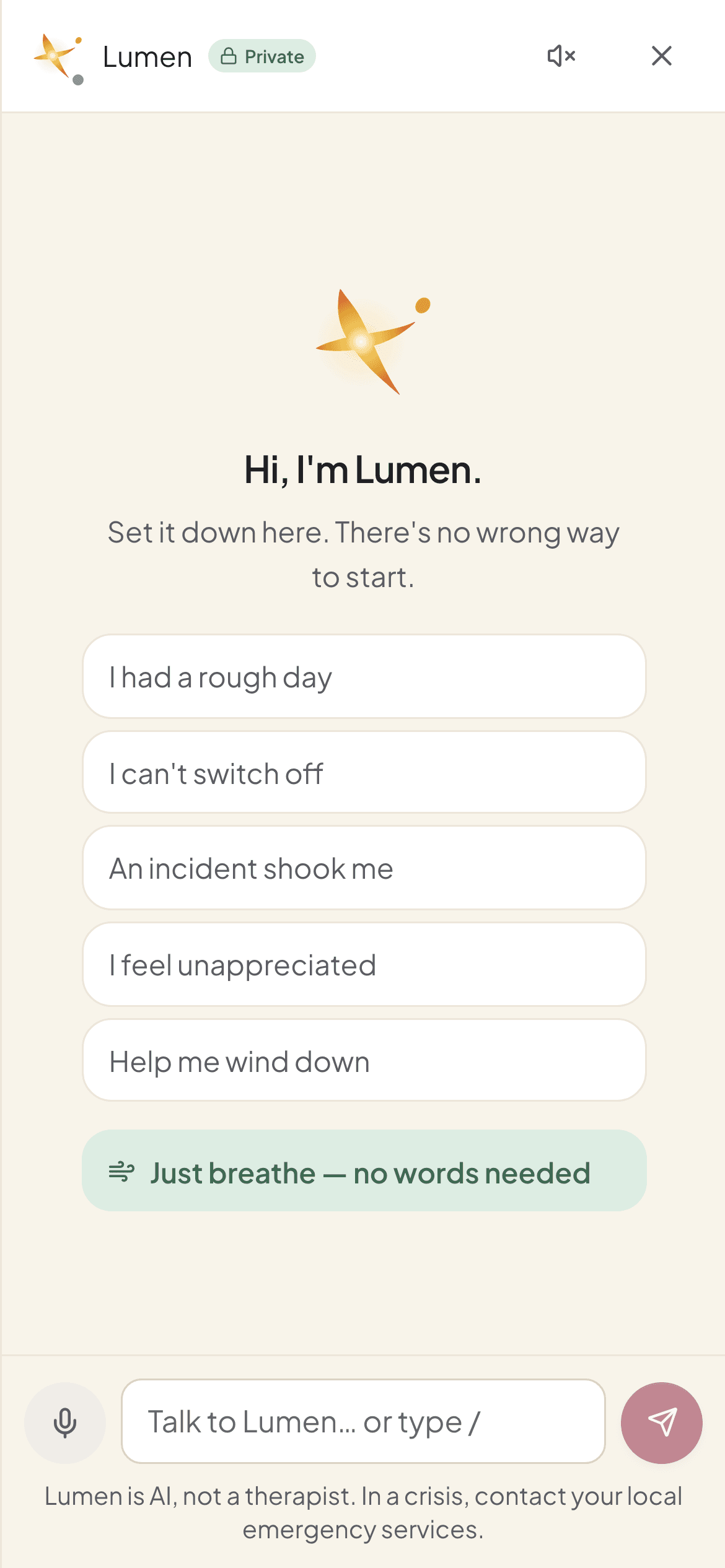
Lumen
An AI companion for hard days.
Lumen is there at any hour to talk something through, wind down, or just breathe. It is AI, not a therapist, and it does not diagnose. If something sounds like a crisis, it points you to real people.
- Your employer can’t read your conversations.
- They’re kept 30 days, and you can delete them any time.
On any device
The same app on a laptop, with everything else in the menu.
On a bigger screen Home spreads into two columns. The menu also holds:
- Messages with coworkers and teams
- Announcements from leaders
- Surveys
- A Wins wall for finished challenges
- A Resource Center and knowledge base
- 60-second resets
- Your organization’s support contacts
- How-to videos
Staff sign in at app.solace365.com. Running it for your organization? See the admin tools.